Chocolate Tasting Journal App
Chof is a chocolate tasting journal for iOS and Android. Scan or search a bar, rate it with stars and flavour notes, and keep every bar you have tasted in one library. The maker, origin and cocoa percentage are already filled in.
Built by an IICCT-certified chocolate taster and International Chocolate Awards judge.


Free on iOS and Android, no signup to start rating.
A tasting journal that already knows the bar
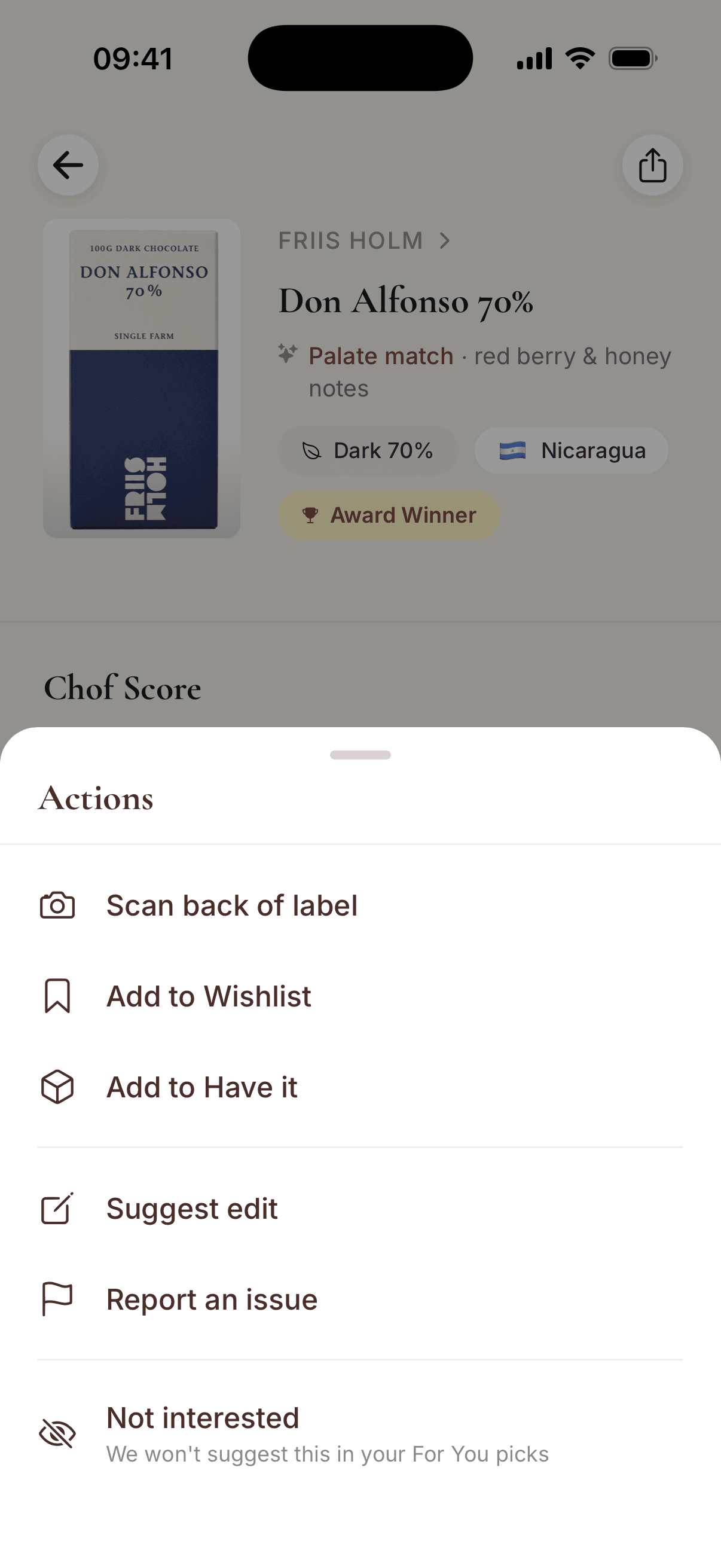
The catalog holds 3,300+ bars from 560+ makers. Search for a bar or scan its wrapper, and the entry starts with the maker, origin, cocoa percentage and ingredients. You add what only you know.
From any bar, add it to Have it or your Wishlist. A bar that is missing gets added when you scan it.
“I think I'm probably one of the exact users you're building this for. For the last 2.5 years I've tried over 100 unique chocolates, journaling them by keeping wrappers, making notes, and rating them.”
“This has been a really useful way for me to track all the bars that I have tried. I love being able to easily sort through the numerous filters and adding new bars is a cinch.”
What you record
Stars and flavour notes
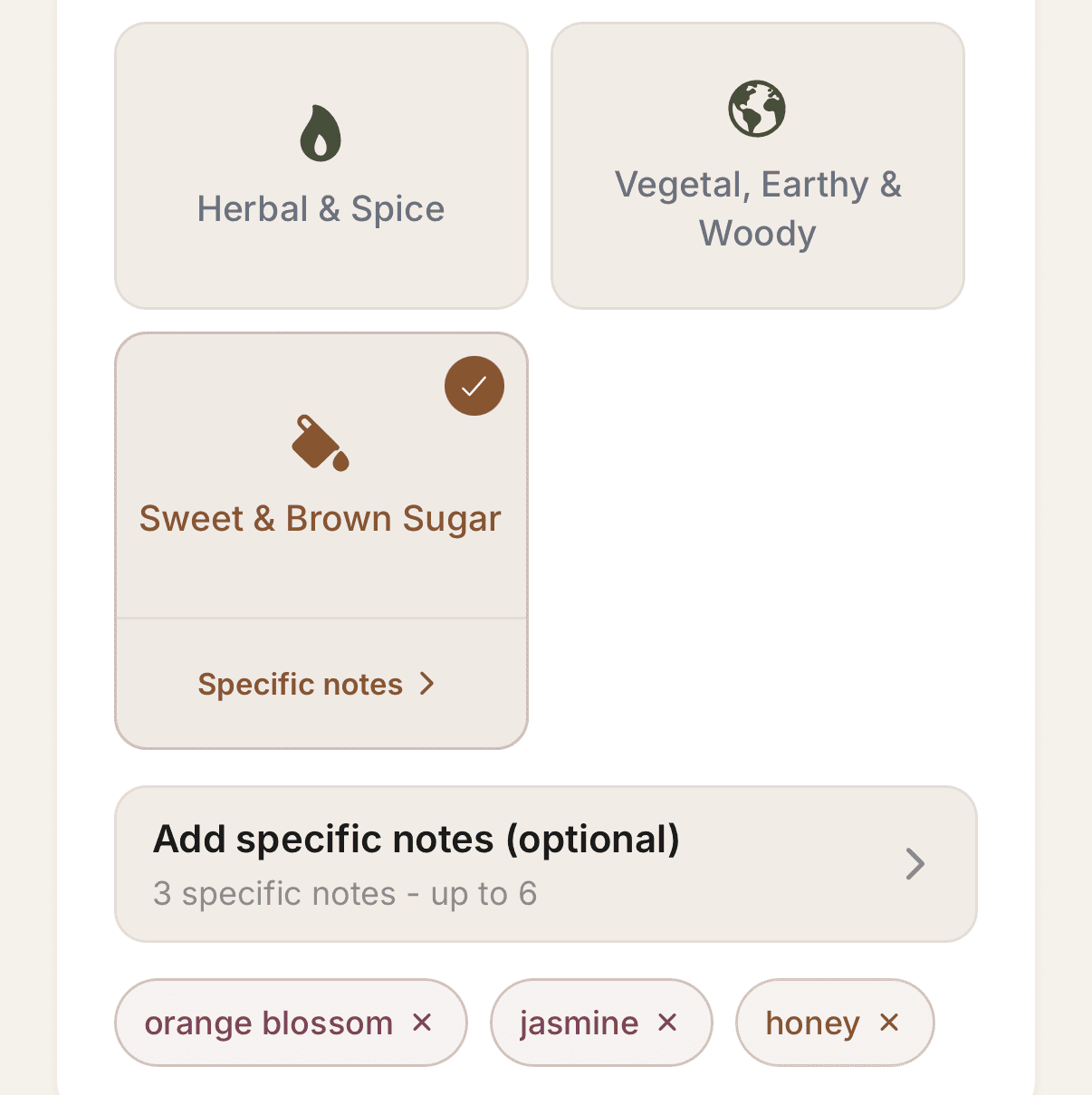
Give the bar one to five stars. Then pick the flavour families that stood out, and up to six specific notes such as orange blossom or honey.
My notes
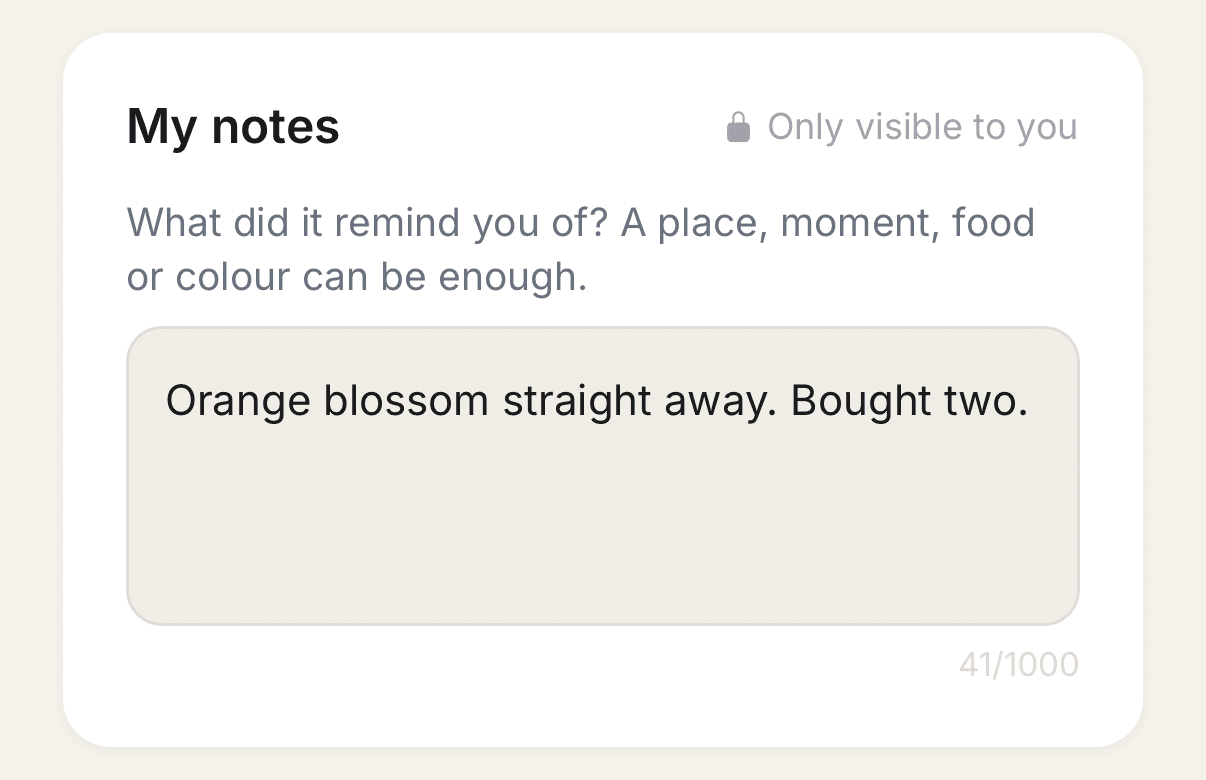
Write down what the bar reminded you of. A place, a moment or a food is often enough to bring it back. Notes are only visible to you.
Every bar you have tasted, in one place
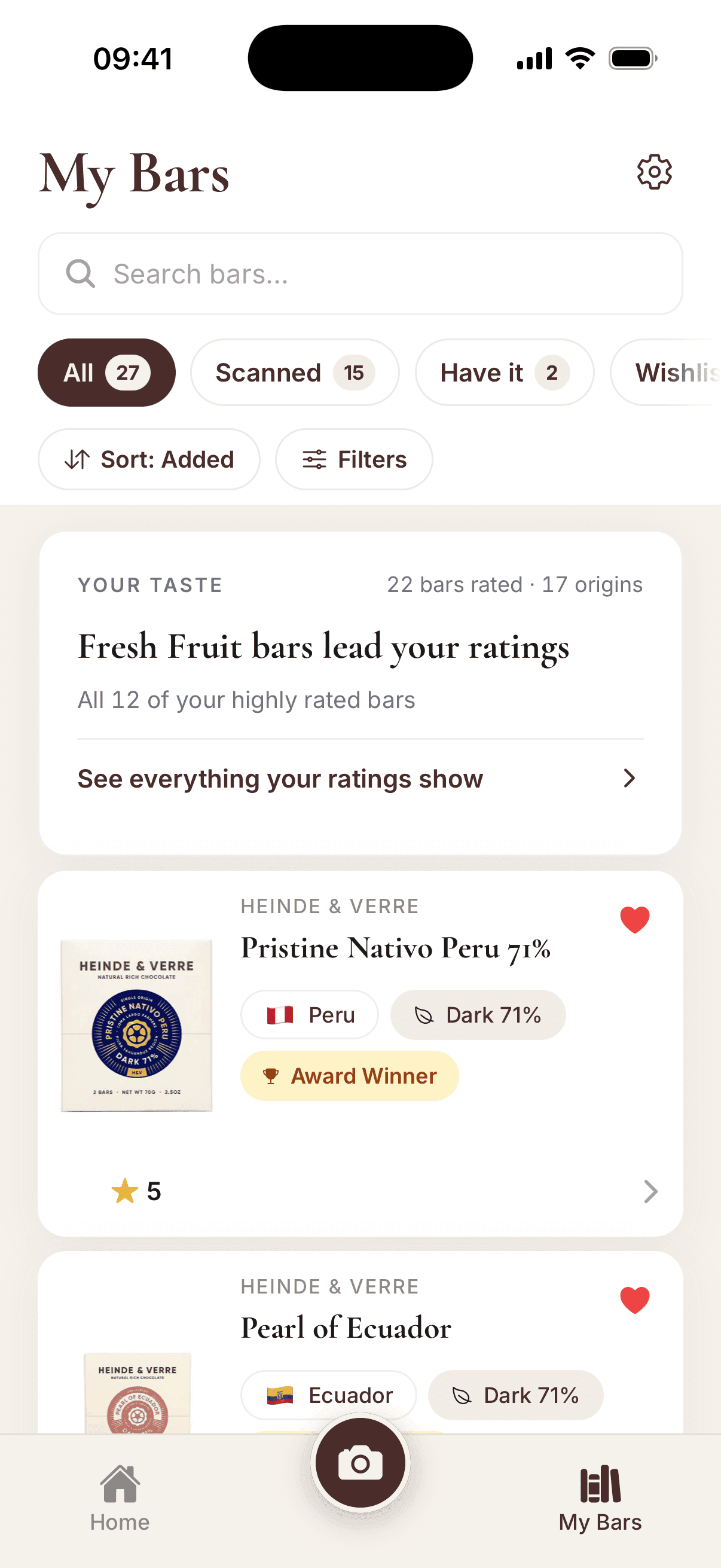
Every bar you scan, rate or save goes into My Bars, with your stars, flavour notes and notes attached.
- Wishlist
- The bars you want to try next. Add one from any bar in the app.
- Have it
- The bars you own, so you know what is already in the cupboard.
- Favorites
- Tap the heart on a bar you loved to keep it here.
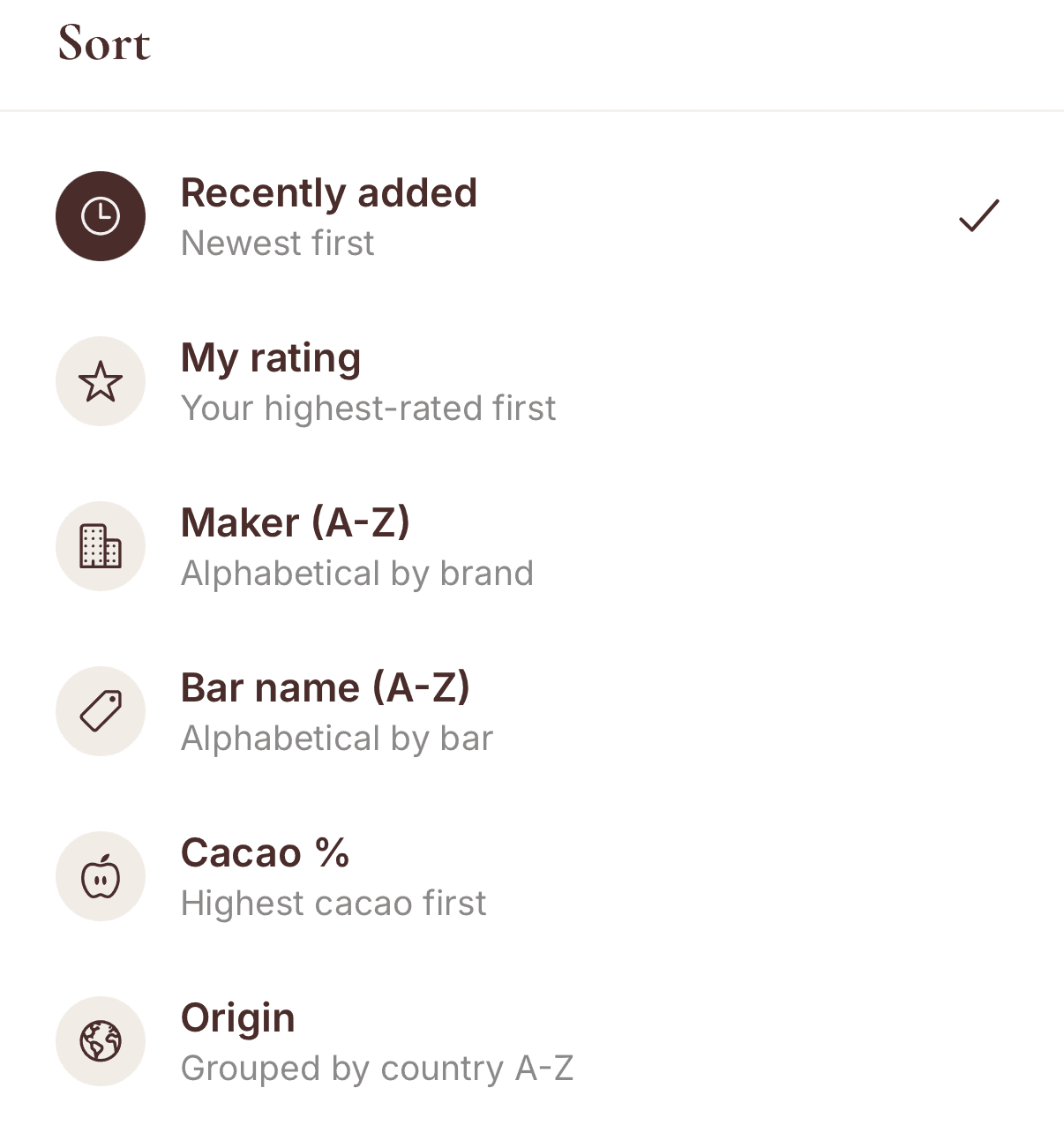
- Sort
- By date added, your rating, maker, bar name, cacao percentage or origin.
- Search and filter
- Find a bar by name, maker or origin, or filter by type, cacao percentage, maker, origin, awards, and whether you rated it or wrote a note.
What your ratings do
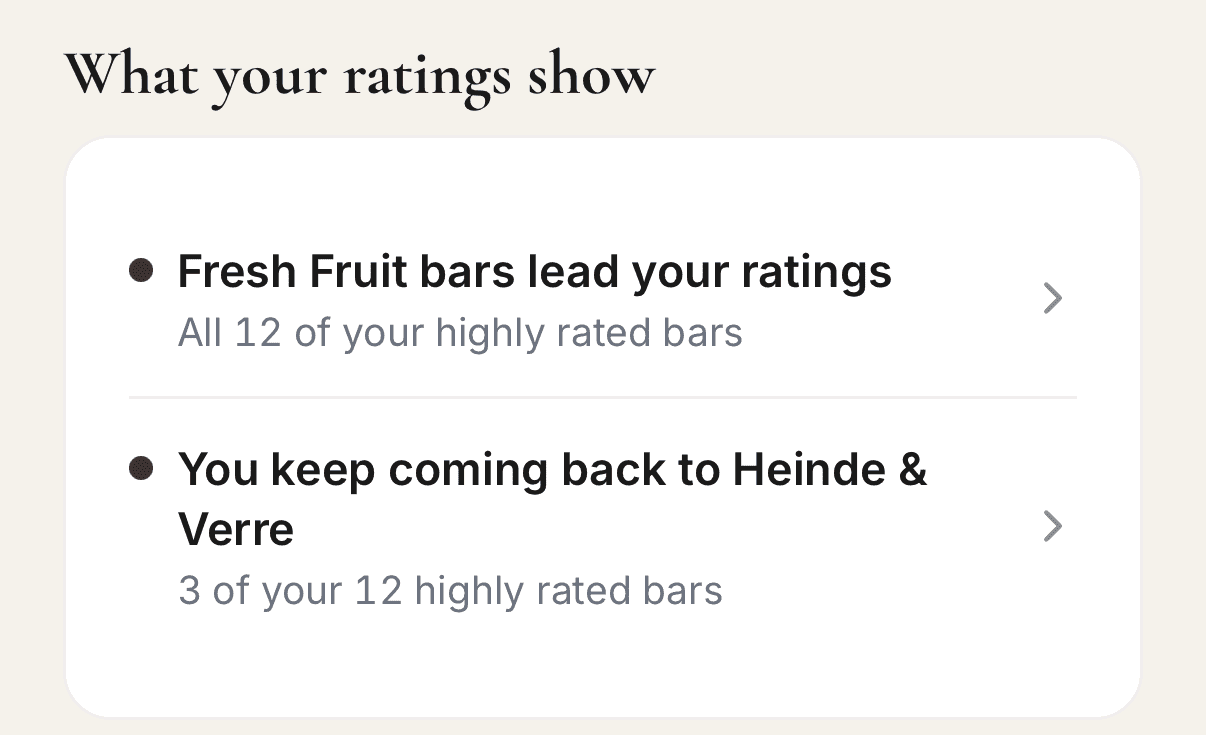
- Your taste
- After five rated bars, it names the flavour family, origin or maker you rate highest.
- For You
- Home suggests bars matched to your taste, from your stars and flavour notes.
- Community rating
- Your stars count toward the rating shown on the bar’s page.
- Chof Score
- Built from what the label and maker disclose, so it reads the same for everyone. How Chof Score works
See how the scan works, everything the app does, or browse chocolate bars on Chof.
Rate the last bar you ate
Search for it or scan the wrapper, give it stars and it starts your journal.
Frequently asked
Can I keep track of the chocolate bars I have tasted?
Yes. Every bar you scan, rate or save goes into My Bars, where you can search it, filter it and sort it. Your stars, flavour notes and notes stay with the bar.
Do I have to type in the bar’s details?
No. Scan the wrapper or search the catalog of 3,300+ bars, and the maker, origin, cocoa percentage and ingredients are already there. You add your rating and notes.
Can I add a bar that is not in the catalog?
Yes, by scanning it. Chof checks the new bar, usually within a day, and until then only you see it.
Can I keep a journal without an account?
Yes. You can scan and rate bars as a guest. A free account keeps your library across devices.