Chocolate Bar Scanner App
Chof is a chocolate scanner for iOS and Android that reads a bar before you buy or taste it. Point your camera at the wrapper to see the maker, origin, cocoa percentage, ingredients, flavour notes and Chof Score.
Built by an IICCT-certified chocolate taster and International Chocolate Awards judge.

Free on iOS and Android, no signup to start scanning.
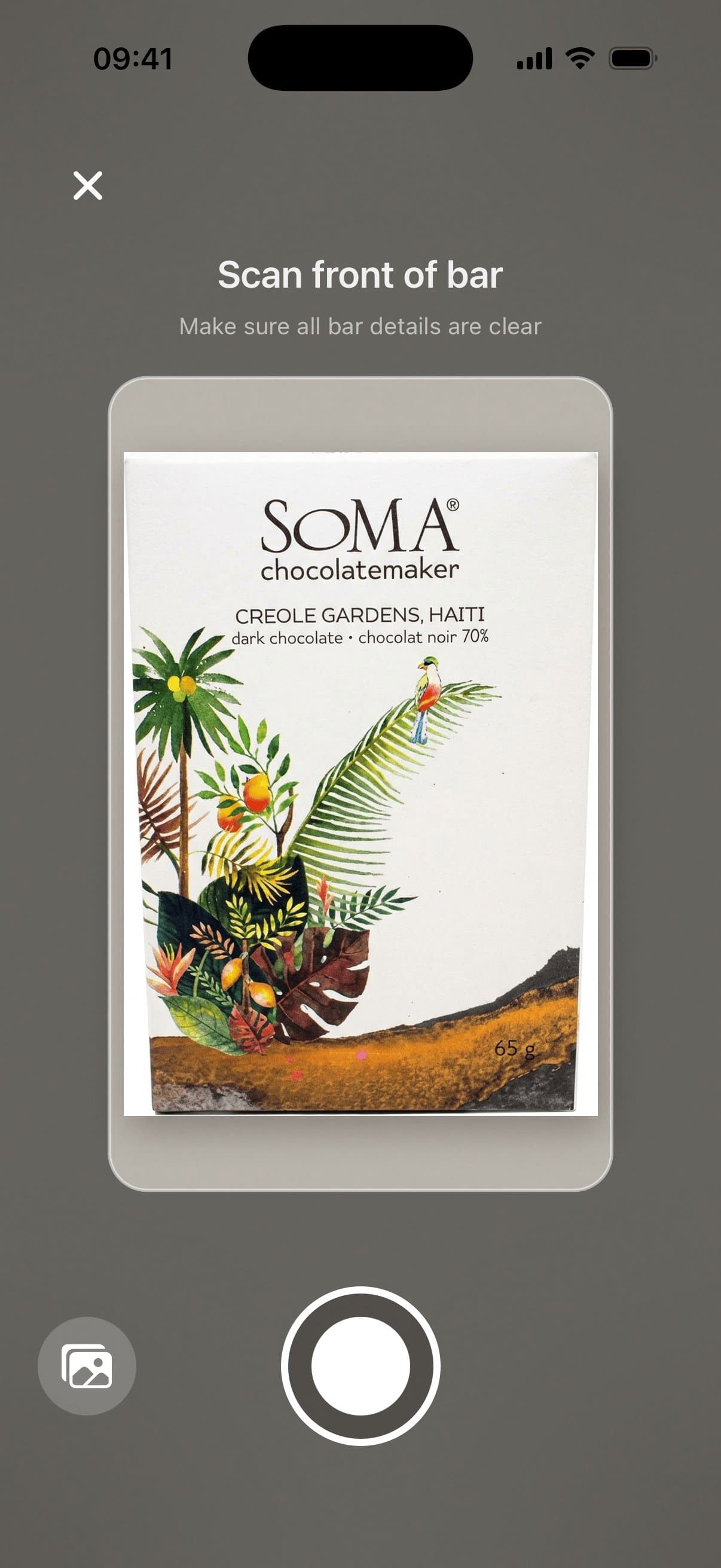
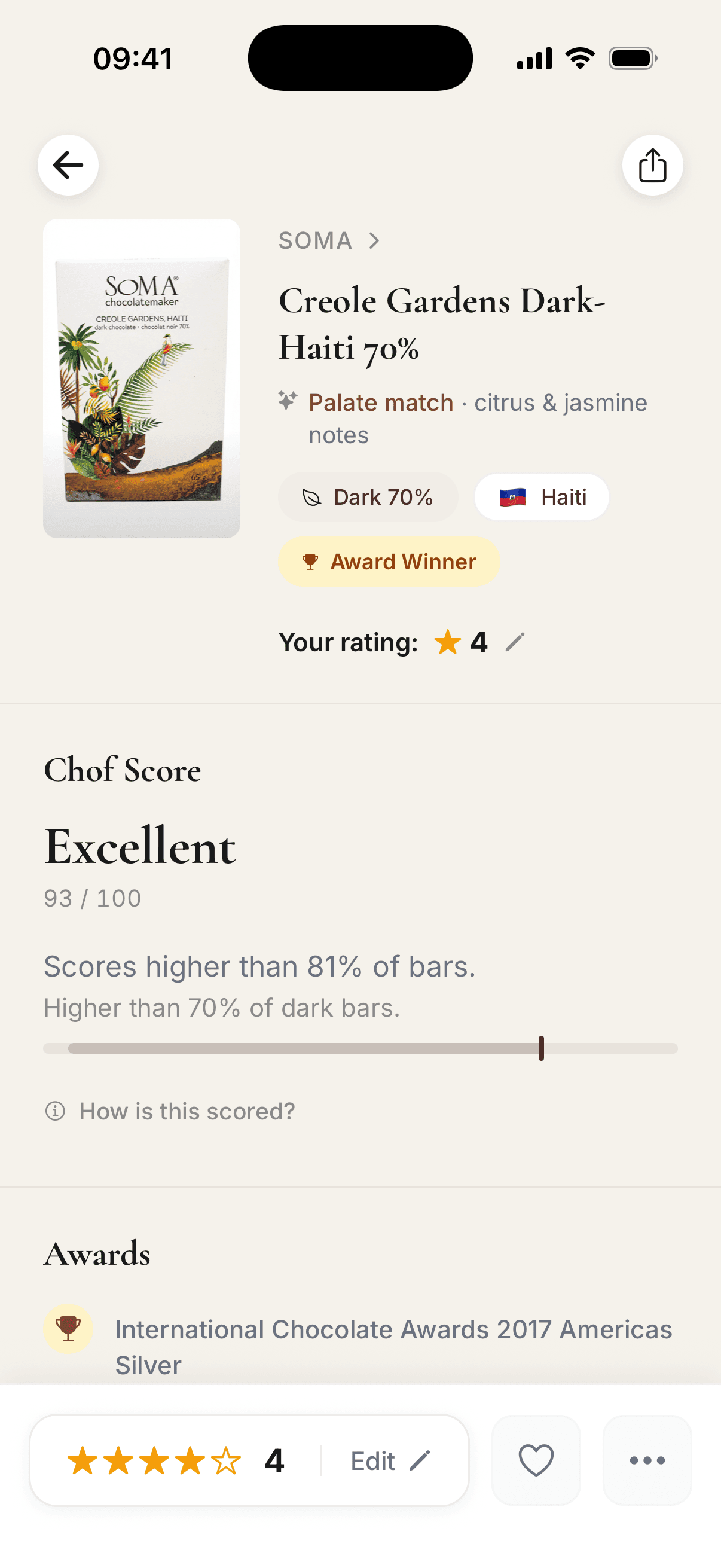
How Chof scans a bar
Point your camera at the front or back of the wrapper.
It matches the maker and bar in the catalog of 3,200+ bars.
Read the cocoa percentage, origin, ingredients, flavour notes and Chof Score.
What the scanner shows
Every scan opens the bar in the catalog of 3,200+ bars from 530+ makers, with a transparent Chof Score and the signals behind it.
- Cocoa percentage
- And whether the bar is dark, milk or white.
- Ingredients
- The list as printed on the label.
- Origin
- The country the cocoa comes from.
- Maker
- The company that made the bar.
- Flavour notes
- Grouped into families such as fresh fruit and floral.
- Certifications
- Organic, Fairtrade and other claims on the wrapper.
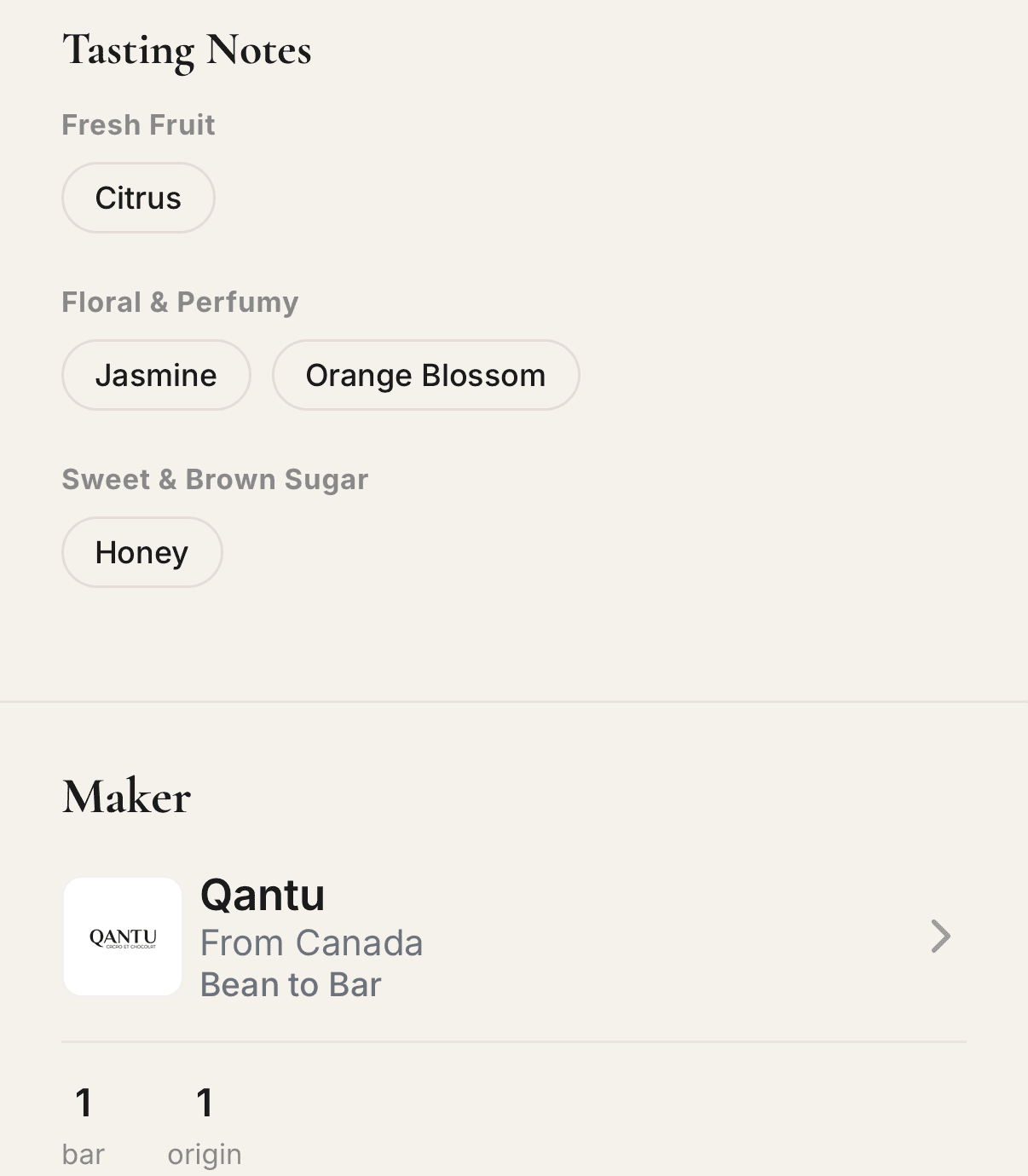
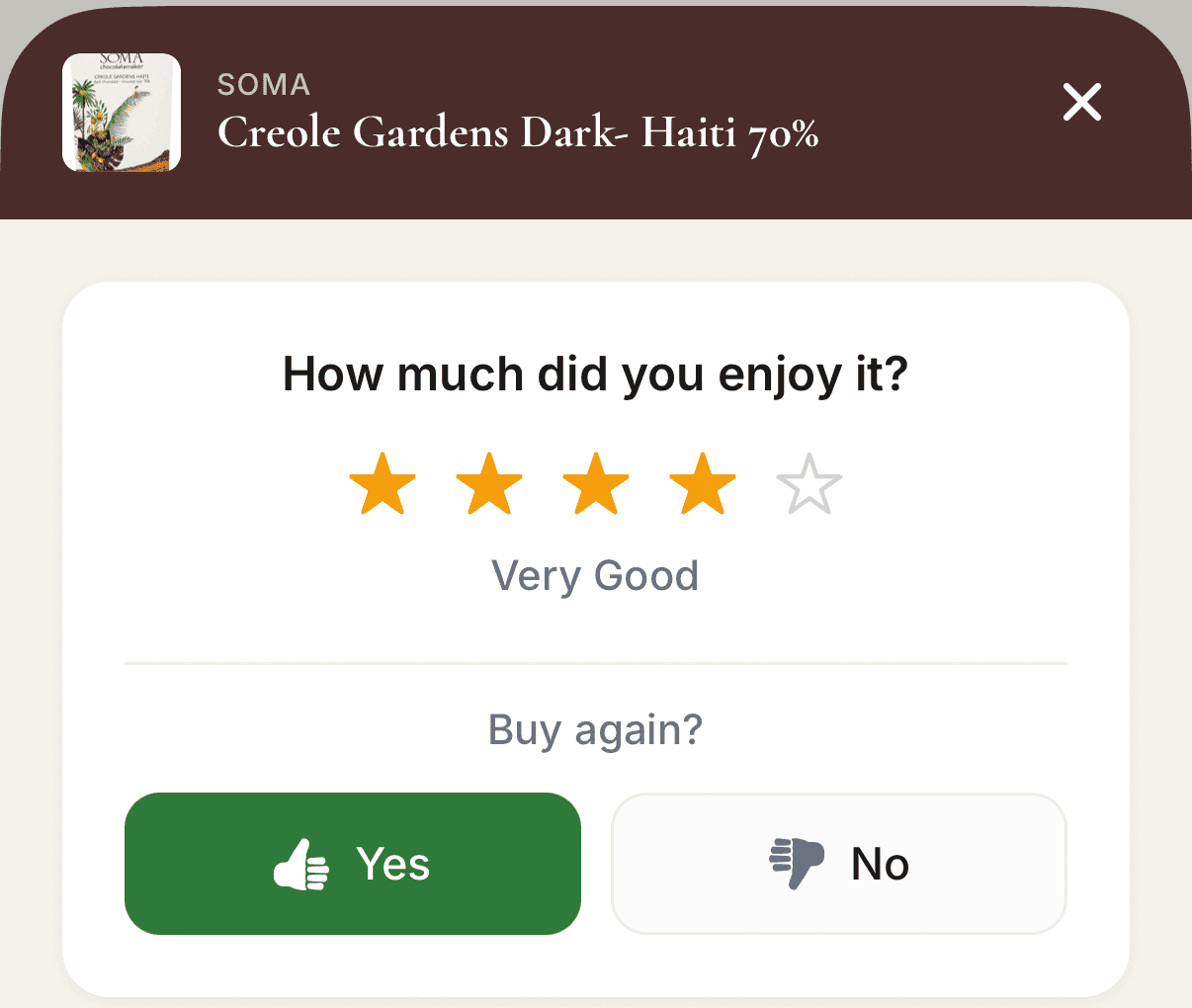
After the scan
Rate the bar with stars and up to six flavour notes, add a note only you can see, and it joins your library. After five ratings, Your taste names the flavour family, origin or maker you rate highest.
How the tasting journal works, or see everything the app does.
When to use it
- In the shop
- Check a bar before you buy it.
- Comparing bars
- Scan each wrapper and read the details.
- After tasting
- Rate it so you remember what you thought.
Want to browse before scanning? Explore chocolate bars on Chof, see the top-rated bars, or read how to choose good chocolate.
Scan the bar in your hand
Point Chof at any wrapper and know the maker, origin and Chof Score before you spend money on it.
Frequently asked
Is Chof a chocolate scanner app?
Yes. It is a chocolate scanner for iOS and Android: point your camera at a bar wrapper and it reads the maker, origin, cocoa percentage, ingredients, flavour notes and Chof Score, so you can judge a bar before you buy or taste it.
Is Chof a chocolate barcode scanner?
Not in the supermarket sense. It reads the whole wrapper with your camera rather than looking up a barcode database. If a barcode is visible it can help confirm the exact bar, but it is built for more than barcode lookup: it matches the maker, origin, ingredients, flavour notes and Chof Score from the label itself.
Do I need an account to scan?
No. You can scan and rate as a guest, with no signup. A free account keeps your bars across devices.
Can Chof scan any chocolate bar?
You can point it at any bar. The depth of the result depends on whether the bar and maker are already in the Chof catalog of 3,200+ bars. New scans help the catalog grow over time.
Does it work on Android?
Yes. The app is on Google Play and the App Store, and scanning, rating and your library work the same on both.
Is the app free?
Yes. The app is free on iOS and Android: download it and start scanning without a signup.
Does Chof sell chocolate?
No. The app helps you understand and compare chocolate bars; it does not sell chocolate directly.
How is Chof different from a nutrition app?
Nutrition apps focus on calories and macros. This one focuses on the chocolate signals that help you choose and remember a bar: maker, origin, ingredients, cocoa percentage, flavour notes and Chof Score.